Search and Filter for Change Events (Android)
Objective
To search and filter for change events using the Procore app on an Android mobile device.
Things to Consider
- Required User Permissions:
- 'Read Only' level permissions or higher on the project's Change Events tool.
Steps
- Navigate to the Change Events tool using the Procore app on an Android mobile device.
Search for a Change Event
- Tap the Search
 icon to enter in a keyword or phrase matching the desired change event.
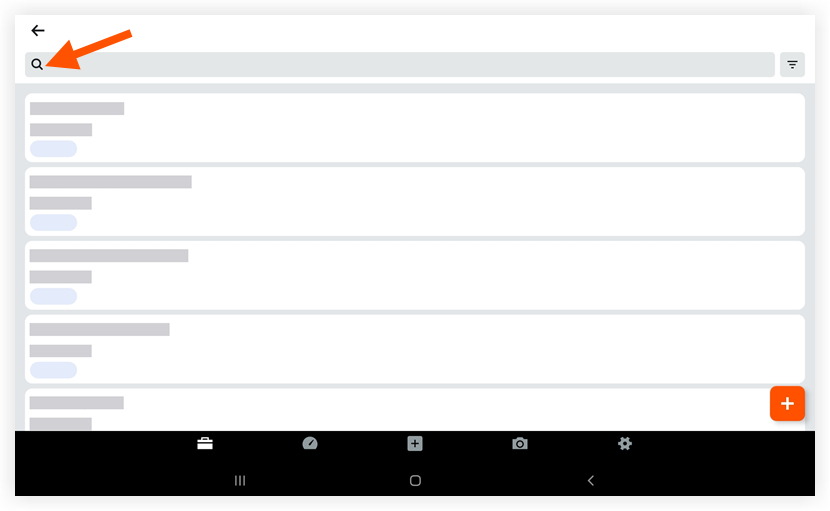
- Tap a change event to view its details.
Filter Change Events
- Tap the Filter
 icon.
icon.
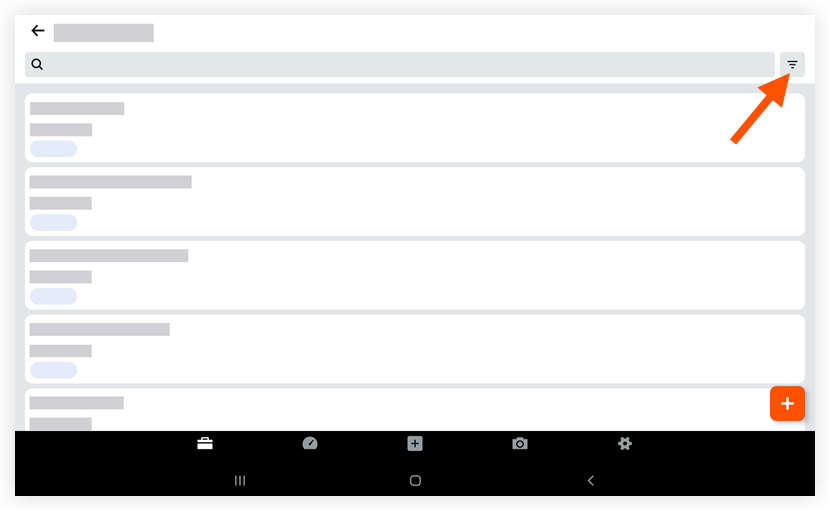
- Tap a status to only view change events with that status.
- Tap Apply.
- Optional: To reset the filter that you applied, tap the Filter icon again and then tap Reset.
If you would like to learn more about Procore's change events management software and how it can help your business, please visit our construction change order product page  .
.
.