Export the Labour Budget to Actual Report
Objective
To export the project's Labour Budget to Actual Report.
Things to Consider
- Required User Permissions:
- 'Read-only' level permission or higher on the project's Reports tool.
AND - 'Read-only' level permission or higher on the project's Timesheets tool.
- 'Read-only' level permission or higher on the project's Reports tool.
- Prerequisites:
- Supported Export File Formats:
- Portable Document File (PDF)
- Comma Separated Values (CSV)
Steps
From the project's Reports tool
- Navigate to the project's Reports tool.
- Scroll to the Project Reports section.
- Click Labour Budget to Actual.
- Click Export.
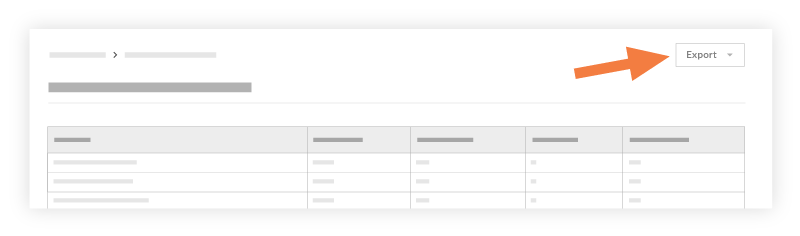
- Select one of these options:
- PDF: This exports a copy of the report to the PDF format.
- CSV: This exports a copy of the report to a comma-separated values file.
From the project's Timesheets tool
- Navigate to the project's Timesheets tool.
- Click Reports.
- Click Labour Budget to Actual.
- Click Export.
- Select one of these options:
- PDF: This exports a copy of the report to the PDF format.
- CSV: This exports a copy of the report to a comma-separated values file.